
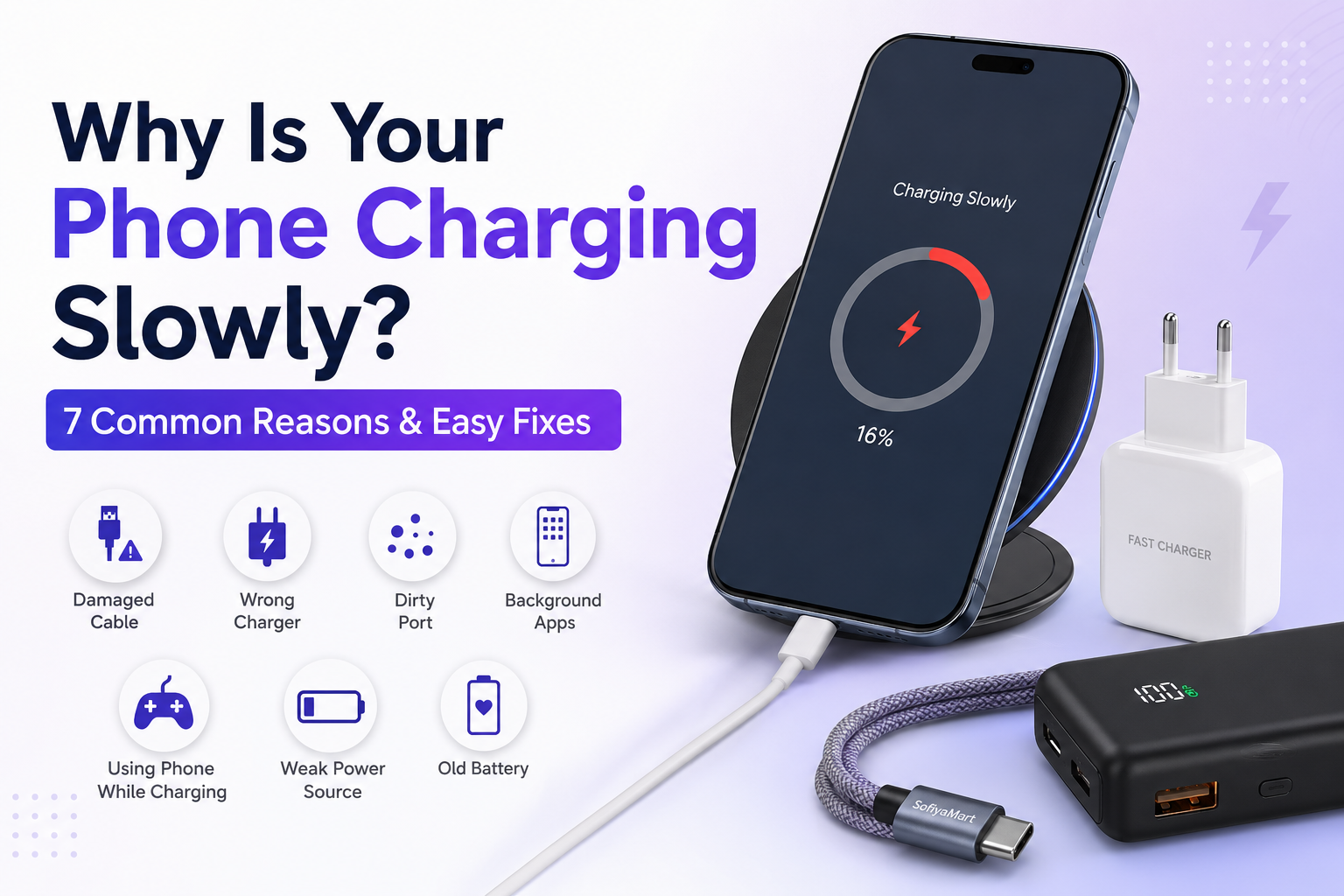
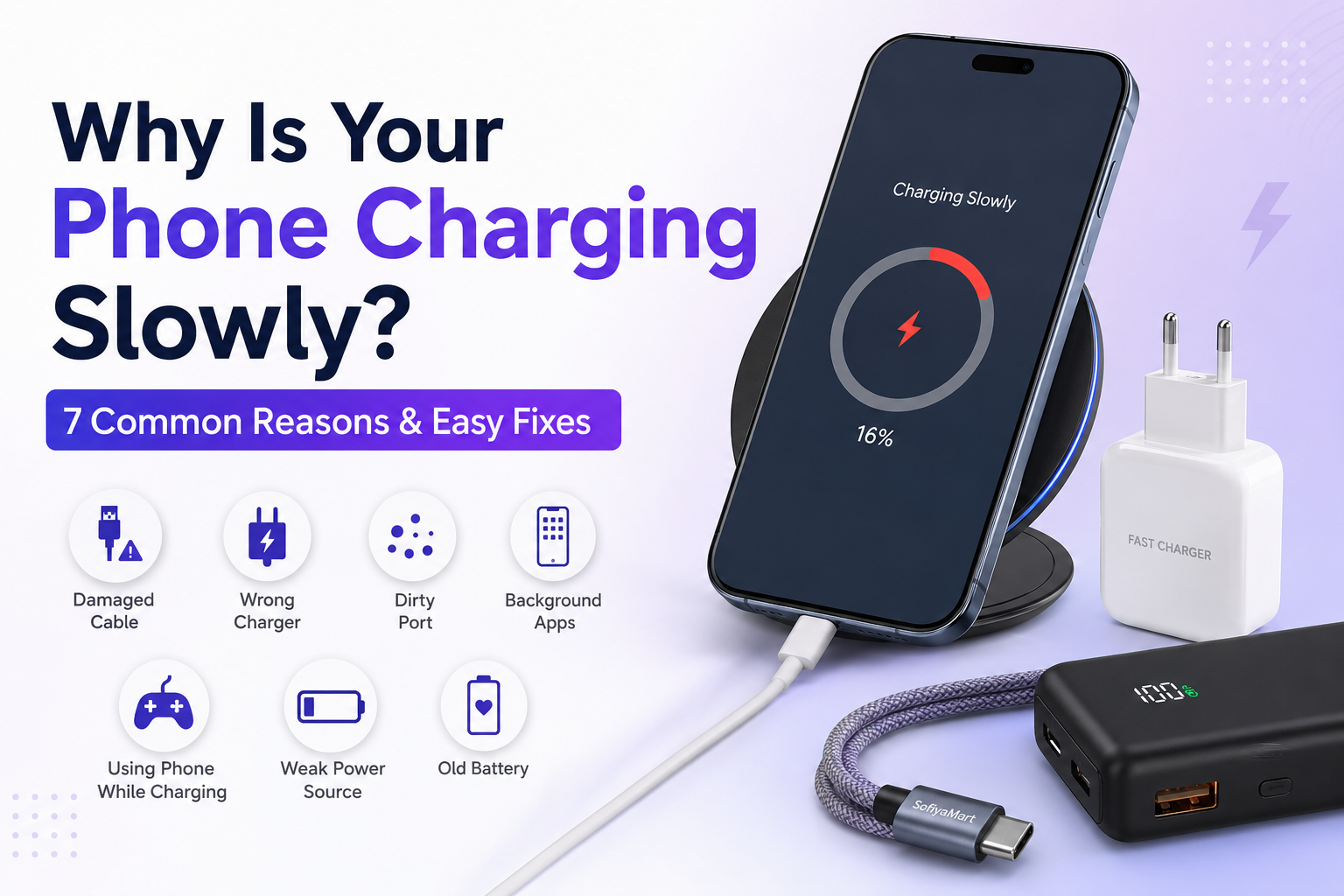
There's nothing more frustrating than plugging in your phone and seeing it charge at a snail's pace. Slow charging is one of the most common smartphone problems, but the good news is that it's often easy to fix.
In this guide, we'll explain the most common reasons why your phone charges slowly and show you practical solutions to get your device charging faster again.
1. You're Using a Damaged Charging Cable
A worn-out or damaged charging cable can significantly reduce charging speed. Over time, cables become bent, frayed, or damaged internally, preventing them from delivering enough power.
If your cable has visible damage or takes much longer to charge than before, it's time for a replacement.
Product Link: Hyperlink USB-C Charging Cable (or Lightning Cable) to your cable product.
2. Your Charger Doesn't Support Fast Charging
Not every charger is designed for fast charging. Many older or low-quality chargers deliver much less power than modern smartphones require.
Using a charger that supports your phone's fast-charging standard can make a noticeable difference.
Product Link: Hyperlink Fast Charger to your charger product.
3. Your Charging Port Is Dirty
Dust, lint, and pocket debris can build up inside the charging port, preventing the cable from making a proper connection.
Turn off your phone before cleaning the port and use a soft brush or wooden toothpick carefully. Avoid using metal objects.
4. Too Many Apps Are Running in the Background
Apps running in the background continue using battery power even while your phone is charging.
Close unnecessary apps and enable battery-saving mode to help your phone charge more efficiently.
5. You're Using the Phone While Charging
Watching videos, gaming, or using GPS while charging consumes power at the same time your charger is trying to recharge the battery.
For the fastest charging, let your phone rest while it's plugged in.
6. The Power Source Is Too Weak
Charging from a laptop USB port or an old wall adapter often provides less power than a dedicated fast charger.
Using a quality wall adapter ensures your phone receives the power it needs.
Product Link: Hyperlink Wall Charger or Fast Charging Adapter to your charger product.
7. Your Battery May Be Getting Old
If your phone is several years old, battery health naturally declines over time.
An aging battery may charge more slowly and drain faster than it did when the phone was new.
If you've tried all the fixes above and still experience slow charging, it may be time to have the battery checked.
Tips to Improve Charging Speed
- Use the original or a certified charger.
- Replace damaged charging cables.
- Keep the charging port clean.
- Avoid using your phone while charging.
- Charge from a wall outlet instead of a laptop.
- Keep your phone away from excessive heat.
Frequently Asked Questions
Why is my phone charging slowly even with a fast charger?
A damaged cable, dirty charging port, background apps, or battery health issues can all affect charging speed.
Does a fast charger damage my battery?
No. A certified fast charger designed for your phone is safe to use.
How often should I replace my charging cable?
Replace your cable if it's damaged, loose, or charging has become noticeably slower.
Recommended Products
Hyperlink these products:
- Fast Charger → Charger Product
- USB-C Charging Cable → Cable Product
- Power Bank → Power Bank Product
- Wireless Charger → Wireless Charger Product
Conclusion
Slow phone charging doesn't always mean your device is broken. In many cases, replacing an old charging cable, using a quality fast charger, or simply cleaning the charging port can solve the problem.
At SofiyaMart, you'll find reliable mobile accessories designed to keep your devices charged safely and efficiently.